
Professional Image Prompt Resources 2025
Discover curated prompt tools, templates, and tutorials for professional image generation. Find the best resources to master AI image prompts, improve ligh

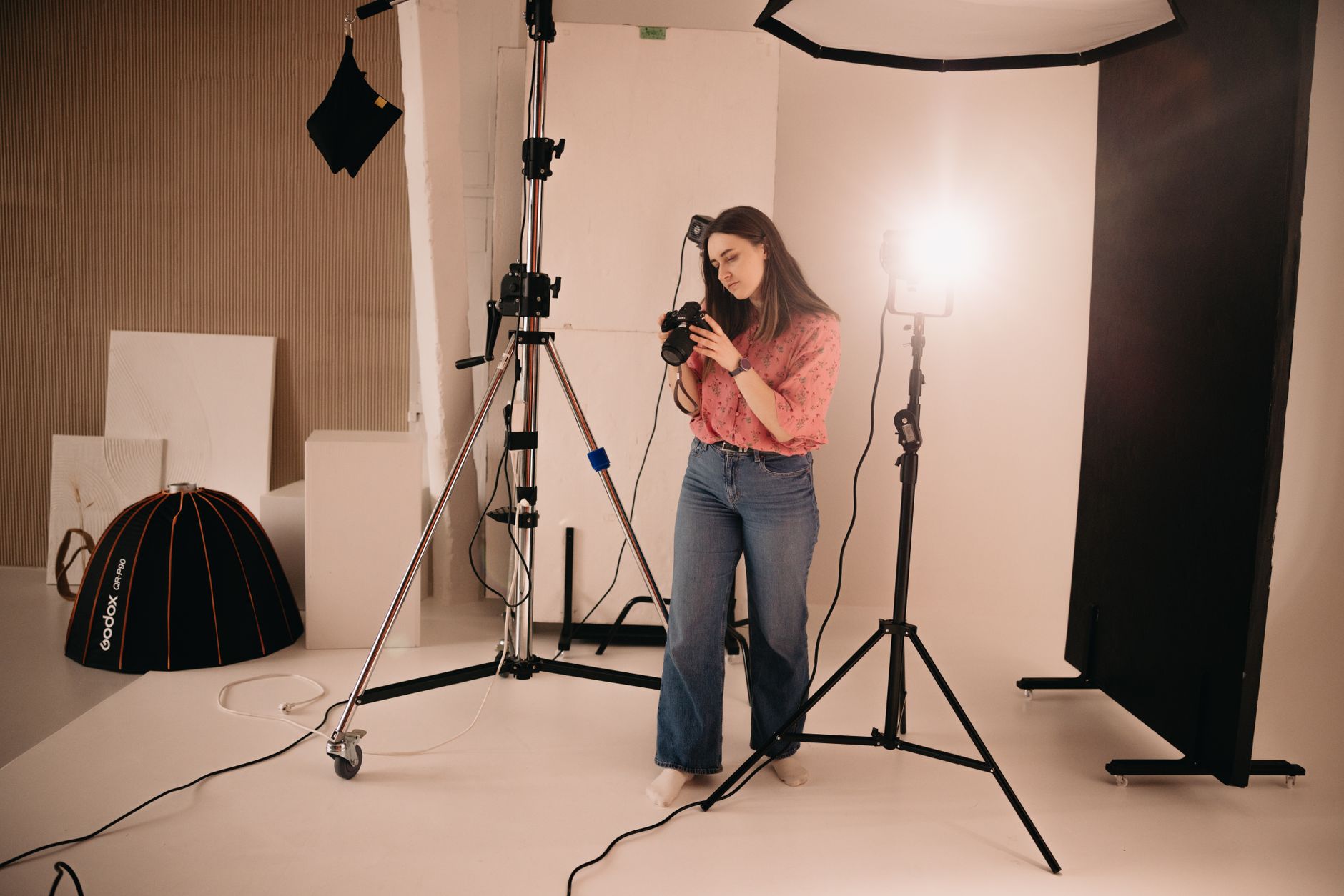
Discover curated prompt tools, templates, and tutorials for professional image generation. Find the best resources to master AI image prompts, improve lighting control, and create consistent, high-quality visuals across Midjourney, DALL-E, and Stable Diffusion.
Quick Answer
Professional image prompt resources fall into five categories: prompt libraries and marketplaces, educational courses and tutorials, community platforms and forums, prompt-building tools and optimizers, and reference collections for photography, lighting, and composition. Each category serves a distinct need, from sourcing ready-made prompts to mastering prompt structure and learning platform-specific techniques. The best approach combines a structured learning resource with a living prompt library and active community feedback. Copy&Prompt helps creative professionals organize, refine, and reuse image prompts across models in one place.
Prompt Libraries and Marketplaces
Pre-written prompt collections are where most creative professionals start. These libraries offer copy-paste image prompts organized by theme, style, and use case, saving hours of experimentation. The best libraries focus on consistency and reusability, traits that matter when producing branded visuals at scale.
Platforms like Lexica and PromptHero host thousands of community-submitted prompts, each paired with the image it generated. This makes them valuable for learning how minor wording changes affect output. However, quality varies widely, and many prompts lack the specificity needed for consistent brand-aligned results.
For teams and serious creators, curated marketplaces such as PromptBase and PromptHero Pro offer professionally written prompts with clear annotations. These tend to include model-specific guidance, recommended settings, and style references, making them more suitable for production work. The drawback is cost: premium prompts can range from a few dollars to hundreds per pack.
Key selection criteria include model compatibility (Midjourney, DALL-E 3, Stable Diffusion), license terms for commercial use, update frequency, and the level of detail in prompt annotations. A prompt without context is rarely reusable.
Freepik AI Image Prompts
Freepik offers a large collection of AI image prompts bundled with design assets. Most prompts target commercial illustration and social media content. Free tier available with paid upgrades for full access. Beginner-friendly with annotated examples. Explore more prompt organization tools at Copy&Prompt.
PromptHero
A search engine for prompts across models. Users can filter by platform, style, and subject. Strong for discovery and comparison. Mix of free and paid prompts. Intermediate level.
Lexica
Visual search engine showing prompts and results side by side. Excellent for learning how prompts translate into images. Free to browse. Best for inspiration rather than production.
Educational Courses and Tutorials
Structured learning remains the most effective way to build prompt fluency. Courses range from beginner introductions to advanced workshops on lighting, composition, and platform-specific workflows.
The strongest courses teach prompt engineering as a craft, emphasizing iteration and testing over one-off successes. Courses that include hands-on exercises with real feedback consistently outperform lecture-only formats.
For visual creatives, courses covering photography principles—especially lighting—pay dividends. Understanding soft light, rim light, and directional lighting translates directly into more controlled image prompts. Platforms like Domestika, Skillshare, and Courseria host specialized courses on AI image generation.
Look for instructors who release new content regularly, as image models evolve quickly. A course built for Midjourney V5 may be outdated six months later.
Domestika: AI Image Generation Courses
Creative-focused courses with project-based learning. Covers Midjourney and Stable Diffusion. Paid, with certificates. Intermediate to advanced.
Skillshare: Prompt Engineering Classes
Broad range of short classes. Affordable subscription model. Beginner-friendly with community projects.
Community Platforms and Forums
Active communities accelerate learning by exposing creators to diverse approaches. Reddit, Discord, and specialized forums host daily prompt exchanges, critique threads, and platform-specific discussions.
The Midjourney Discord server remains the gold standard for real-time feedback. Beginners can observe how experienced users refine prompts through rapid iteration. The #newbies channel is moderated and welcoming.
Reddit communities like r/midjourney and r/AIart provide asynchronous discussion and long-form critique. These are ideal for unpacking complex prompts and sharing multi-step workflows.
Participation rules vary: some communities require posting both prompt and result, others ban photorealistic celebrity imagery. Reading the rules before joining prevents friction.
r/midjourney (Reddit)
Over one million members sharing prompts and results. Daily prompts and challenges. Free to join. Intermediate level.
Midjourney Official Discord
Real-time critique and iteration. Channels organized by model version and use case. Requires a paid plan for full access. Advanced users dominate.
Prompt-Building Tools and Optimizers
Writing effective prompts often involves structuring them with clear roles, constraints, and output formats. Tools that guide this process help creators move beyond trial and error.
Prompt optimizers like Copy&Prompt let users refine, store, and version their prompts in one place. Instead of hunting through chat history, creators can tag prompts by project, model, and style, then retrieve the exact version that worked. This is critical for maintaining a consistent visual aesthetic across large projects.
Some tools offer AI-assisted prompt rewriting, suggesting improvements based on common patterns. While useful, these should supplement—not replace—human judgment and testing.
Copy&Prompt
A prompt library tool for organizing, optimizing, and sharing image prompts. Works across Midjourney, DALL-E, and Stable Diffusion. Supports versioning and team collaboration. Free tier available. Learn more at Copy&Prompt.
PromptHero Pro
A browser extension that saves and optimizes prompts. Integrates with ChatGPT and image tools. Paid subscription. Beginner to intermediate.
Reference Collections for Lighting and Composition
Image prompts draw heavily on photography and cinematography principles. Access to visual references for lighting setups, color palettes, and composition rules elevates prompt quality significantly.
Professional photographers share lighting diagrams and setup photos on platforms like 500px and Flickr. These serve as concrete references for describing light direction, intensity, and modifiers in prompts.
Style references—from Wes Anderson symmetry to Blade Runner neon—help anchor abstract aesthetic goals. Curated collections of cinematic stills and art reproductions provide ready-made shorthand for complex visual concepts.
For color theory and mood, tools like Adobe Color and Coolors offer pre-built palettes. Including a hex code or palette name in a prompt gives the model precise color guidance.
500px Editorial
Professional photography with lighting notes. Free registration required. High-quality references for prompt inspiration.
Adobe Color Themes
Curated color palettes with hex codes. Free to use. Integrates with Creative Cloud apps.
How to Use These Resources Effectively
Start with one primary learning resource to build foundational skills. Pair it with a prompt library to study real-world examples. Join a community to receive feedback and stay updated on model changes.
Test prompts systematically. When a prompt produces a good result, save it with notes on settings, model version, and any tweaks made. This builds a personal knowledge base that compounds over time.
Separate prompts by use case—brand visuals, concept art, social media—and tag them accordingly. A prompt that works for fantasy illustration may fail for product photography. Reusing the wrong prompt wastes time and credits.
Review and prune your library regularly. Many saved prompts become obsolete as models update. Keeping only the highest-quality, most-reusable prompts ensures your library remains a time-saver rather than a time-sink.
The Selection Incontournable
For creative professionals seeking professional image prompts, the ideal stack balances learning, discovery, and organization. Start with a structured course to learn fundamentals, use a community for daily feedback, and rely on a prompt library tool for consistency.
Copy&Prompt stands out for creators who need to manage dozens of prompts across projects. Its focus on storage, optimization, and one-click copying makes it easy to maintain a reliable workflow. When combined with a learning resource like Domestika and a community like the Midjourney Discord, creative professionals have everything needed to produce high-quality, consistent image generations.
For teams, adding a shared prompt library ensures brand consistency. Everyone pulls from the same tested set of prompts, reducing variability and rework. This scales far better than individual experimentation.
| Resource | Category | Format | Cost | Level |
|---|---|---|---|---|
| Copy&Prompt | Tool / Library | Web app | Free + Paid | All levels |
| Domestika | Education | Video courses | Paid | Beginner–Advanced |
| PromptHero | Library / Discovery | Web platform | Free + Paid | All levels |
| Midjourney Discord | Community | Real-time chat | Free + Paid | Intermediate–Advanced |
| 500px Editorial | Reference | Photo gallery | Free registration | Beginner–Advanced |
Key Takeaways
- Combine one structured learning resource with an active community to build and refine prompt skills.
- Use a dedicated prompt library tool like Copy&Prompt to store, version, and retrieve tested prompts consistently.
- Study lighting and composition references to add precise technical detail to image prompts.
- Organize prompts by use case and regularly prune outdated entries to keep your library effective.
- Join model-specific communities for real-time feedback and early awareness of updates.
Conclusion
Professional image generation depends less on individual prompt magic and more on a reliable system for learning, storing, and refining prompts. The resources outlined above—courses, communities, libraries, and reference collections—form a foundation that scales from solo creators to full creative teams.
Lexical diversity and clear structure matter just as much in prompts as in prose. Describing lighting, mood, and composition with deliberate vocabulary helps image models produce more predictable, high-quality results. Pair these skills with a prompt organization tool, and consistency becomes repeatable.
Copy&Prompt supports this workflow by centralizing prompt optimization, storage, and sharing across models. For creative professionals who need reliable, branded visuals without reinventing the wheel, a well-curated prompt library is the difference between chaotic experimentation and controlled output.
Frequently Asked Questions
What type of prompt resources are best for beginners?
For beginners, start with a structured course covering fundamentals, then join a supportive community like r/midjourney or the Midjourney Discord’s #newbies channel. A prompt library such as Copy&Prompt helps track which prompts work as you learn, preventing lost progress and repeated mistakes.
Are professional image prompts worth paying for?
Premium prompt libraries can accelerate learning and provide production-ready starting points. However, they are most valuable when paired with a prompt management tool like Copy&Prompt, which lets you adapt, store, and refine purchased prompts for your specific brand and workflow.
Improve your AI results today - Create better prompts and get more accurate responses with Copy&Prompt. Copy&Prompt →

