
Mastering AI Assistants: A Practical ChatGPT Guide for Beginners
Unlock the full potential of AI assistants like ChatGPT with our expert guide. Learn prompt writing, boost productivity, and master generative AI basics fo

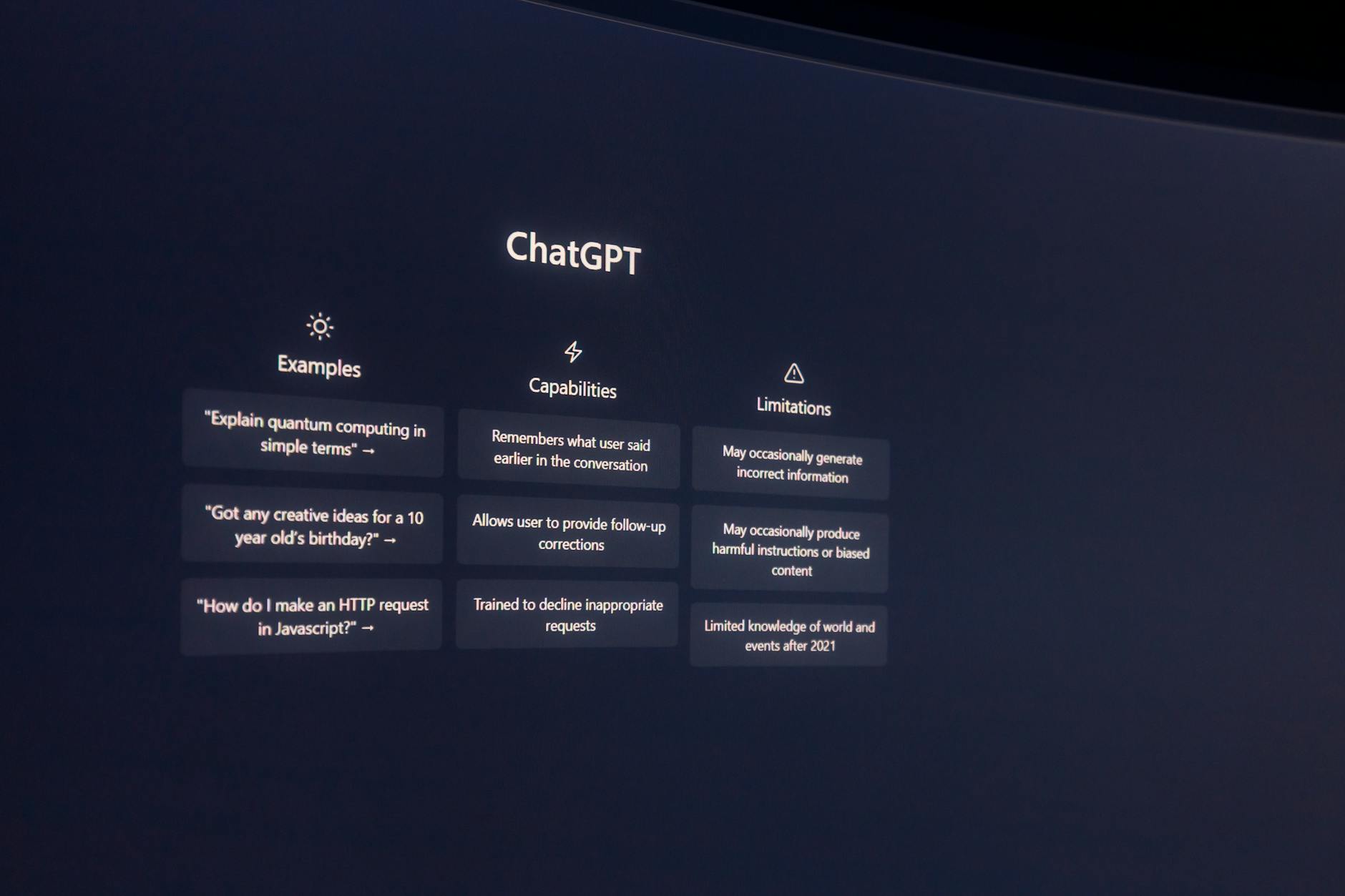
Unlock the full potential of AI assistants like ChatGPT with our expert guide. Learn prompt writing, boost productivity, and master generative AI basics for everyday tasks.
- Foundational Concepts and Prerequisites
- Crafting Effective Prompts from the Ground Up
- Supercharging Daily Workflows with AI
- Common Mistakes and How to Avoid Them
- Best Practices for Consistent Output
- Beginner-Friendly AI Tools to Explore
- Frequently Asked Questions
Foundational Concepts and Prerequisites
Before diving into prompt writing, it helps to understand what lies beneath the surface. Large Language Models (LLMs) like ChatGPT are trained on vast amounts of text. They predict the next word in a sequence, not retrieve stored facts. This probabilistic nature explains why identical prompts can yield varied outputs.
What Is an AI Assistant Capable Of?
An AI assistant excels at generating human-like text, summarizing content, translating languages, answering questions, composing emails, coding snippets, and even creating poems or jokes. However, its capabilities are bounded by its training data and lack of real-time awareness unless explicitly connected to external tools.
Core Terminology Every User Should Know
- Prompt: The input given to the model to initiate a response.
- Model: The underlying algorithm trained on data (e.g., GPT-4).
- Temperature: A parameter controlling randomness; lower values produce deterministic responses, higher ones introduce variability.
- Context Window: The maximum number of tokens the model can consider in one interaction.
- Few-Shot Learning: Providing examples within the prompt to guide output format and tone.
Prerequisites for Getting Started
No special software or deep technical knowledge is required. A stable internet connection and access to an interface such as the official ChatGPT website or mobile app suffice. Familiarity with typing clearly helps but isn't mandatory—AI adapts to casual phrasing too.
Crafting Effective Prompts from the Ground Up
A well-crafted prompt acts as a bridge between your goal and the AI’s interpretation. Poor prompts lead to vague, off-topic, or overly generic replies. Great ones unlock precise, useful results tailored to your needs.
The Anatomy of a Strong Prompt
Effective prompts typically contain four components:
- Context: Background information so the AI understands the situation.
- Task: Clear instruction specifying what kind of output is expected.
- Constraints: Boundaries defining length, style, format, or audience.
- Goal: Desired outcome or purpose of the response.
Context: You're preparing a presentation for non-expert stakeholders.
Task: Explain blockchain technology in simple terms.
Constraints: Keep it under 200 words, avoid jargon, use analogies.
Goal: Make the concept accessible without losing accuracy.
Prompt Structures That Work
Beyond basic instructions, advanced structures like role assignment and step-by-step reasoning dramatically improve outcomes:
- Role Assignment: Assigning a persona (“You are a seasoned marketer…”) guides tone and expertise level.
- Chain-of-Thought Reasoning: Encouraging logical breakdowns leads to deeper analysis.
- Few-Shot Examples: Showing sample outputs trains the model toward desired formats.
Writing Prompts That Iterate and Scale
Once a solid foundation is built, prompts become reusable templates. Replace variable parts using placeholders like [TOPIC] or [AUDIENCE]. This approach supports scalability across projects and teams.
Supercharging Daily Workflows with AI
With a grasp of prompt fundamentals, users can integrate AI into routine tasks effectively. Whether drafting messages, researching topics, or organizing thoughts, thoughtful prompting transforms efficiency.
Email Efficiency Through AI
Drafting professional emails becomes faster when combined with structured prompts:
Compose a polite follow-up email to a client who hasn’t responded to your initial proposal sent last week. Maintain urgency without sounding pushy.This yields personalized drafts that save time while preserving professionalism.
Summarizing Long Documents Quickly
When faced with lengthy reports or articles, ask the AI to extract key insights:
Summarize this article in three bullet points highlighting the main takeaways relevant to small business owners.Such requests distill complex material into digestible chunks.
Generating Ideas Consistently
Brainstorming sessions benefit from prompts that direct creativity:
List five blog post ideas related to sustainable living aimed at millennials. Prioritize actionable titles over abstract themes.Structured ideation prevents stagnation and expands horizons efficiently.
Common Mistakes and How to Avoid Them
Even experienced users fall into traps that reduce AI effectiveness. Recognizing these pitfalls sharpens future interactions.
Overloading the Prompt
Packing multiple unrelated tasks into one prompt confuses the model. Break complex requests into smaller, sequential steps instead.
Vague Instructions Lead Nowhere
Saying “Write something good” offers no direction. Specify format, tone, and objective explicitly to receive meaningful responses.
Ignoring Source Limitations
LLMs don’t browse live web pages unless integrated with browsing tools. Don’t expect up-to-the-minute stats unless confirmed otherwise.
Best Practices for Consistent Output
Reliability hinges on consistency. Adopt practices that stabilize performance across diverse inputs:
Maintain Template Libraries
Store successful prompts in organized folders or tools. Over time, these evolve into powerful resources adaptable to new scenarios.
Refine With Feedback Loops
Iterate based on past outputs. Note which phrasing produced better results and replicate those patterns moving forward.
Balance Automation and Human Oversight
Use AI as augmentation—not replacement. Review critical suggestions carefully to ensure alignment with intent and values.
Beginner-Friendly AI Tools to Explore
While ChatGPT remains popular, exploring other accessible platforms broadens skillsets:
- Claude: Excellent at handling longer documents and nuanced reasoning.
- Gemini: Integrated with Google services, ideal for multimedia-rich workflows.
- Perplexity: Great for quick research summaries sourced from web searches.
- Bing AI: Combines search and generation capabilities seamlessly.
Each tool carries unique strengths. Experimenting reveals which aligns best with specific goals.
À Retenir
| Concept | Key Insight |
|---|---|
| Strong Prompts | Require Context, Task, Constraints, Goal |
| Productivity Boost | Achieve Through Reusable Templates |
| Error Prevention | Depends on Specificity and Clarity |
| Tool Diversity | Enhances Adaptability Across Tasks |
Frequently Asked Questions
How long does it take to get comfortable with AI assistants?
For most beginners, comfort emerges after two to three focused sessions. Practice with daily writing or summarizing tasks accelerates familiarity with response patterns.
Can I rely on AI for factual accuracy?
Not entirely. While useful for synthesis, always verify important claims—especially dates, statistics, or legal/medical advice—with authoritative sources.
Do I need coding skills to customize AI behavior?
Absolutely not. Most customization happens through natural language prompts alone. Advanced features like API integrations require minimal scripting.
Ready to enhance your AI journey? Improve your AI results today — Create better prompts and get more accurate responses with Copy&Prompt.
Improve your AI results today — Create better prompts and get more accurate responses with Copy&Prompt. Copy&Prompt →

