
Image Prompt Images: Resources for Creative Prompting
Curated resources, templates and prompts for creating reproducible image prompts, styles, and scalable visual workflows for creators.

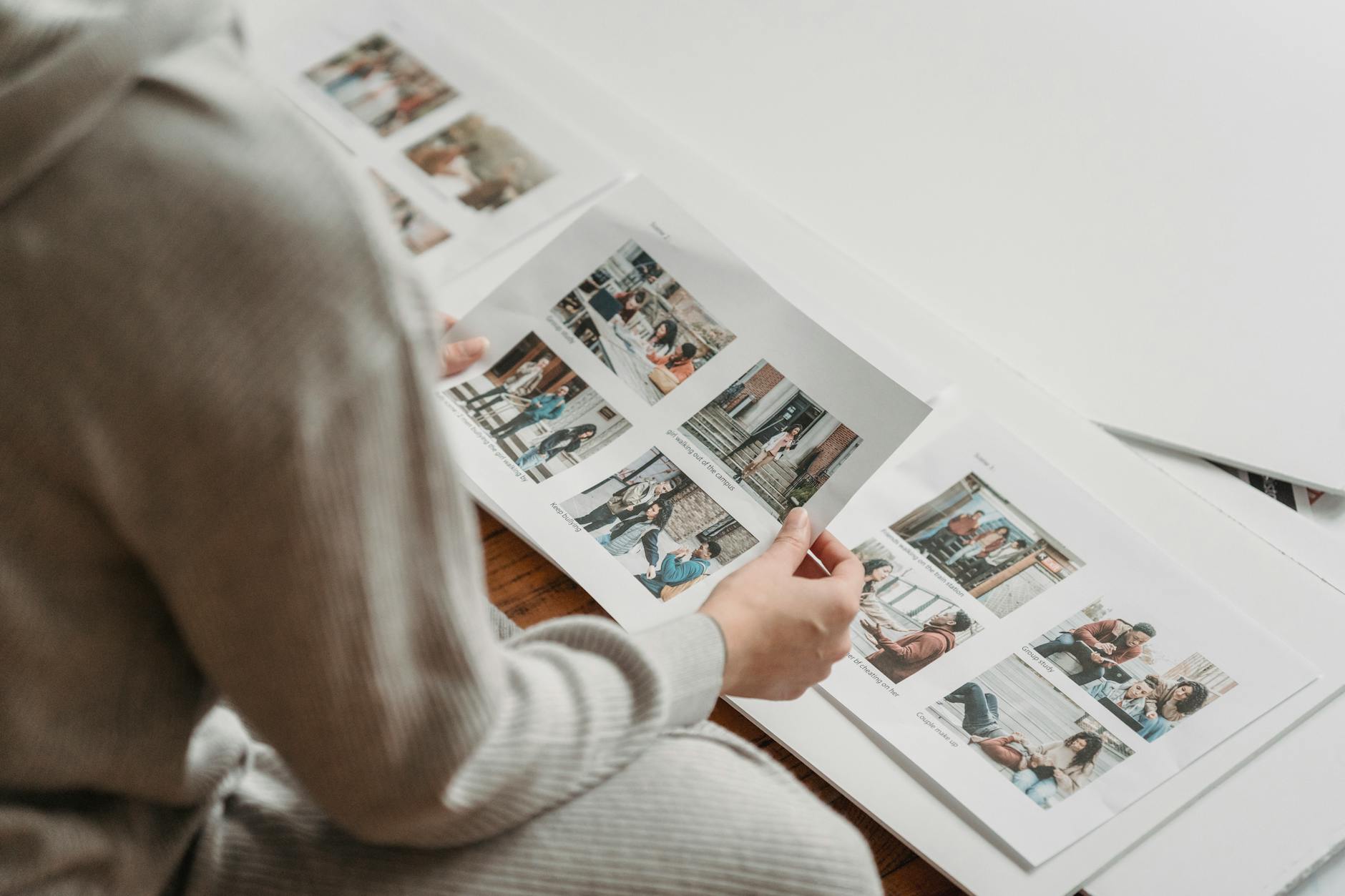
Curated resources, templates and prompts for creating reproducible image prompts, styles, and scalable visual workflows for creators.
Byline: Copy&Prompt TEAM · Published August 2026 · Updated August 2026
Quick answer
Image prompt images are reproducible text prompts, parameters and references that produce consistent visual output across image models. Use structured prompts, style anchors, negative prompts and fixed seeds to reproduce a look, then store them in a prompt library for repeatability and sharing.
Contents
- What this collection covers
- Tool kits and generators
- Prompt templates and patterns
- Style resources and references
- Workflow, storage and versioning
- How to use these resources — step sequence
- The essential selection
- Comparison table
- Common mistakes and fixes
- Limitations
- Scaling up and sharing prompts
- Key takeaways
- Conclusion
- FAQ
What this collection covers
This resource pack targets visual prompters who need repeatable image outputs. You will find generator recommendations, copyable prompt templates, style reference assets, workflow blueprints, and storage patterns to keep a look alive across versions and teams.
Tool kits and generators
This section lists leading generators and utilities where image prompts get executed. Each entry includes what it's best for, typical format, cost tier and required skill.
Midjourney
Best for stylized, painterly and concept art. Format: chat-based prompt + parameters (aspect ratio, quality, stylize). Price: paid subscription with trial. Skill: intermediate. Community: strong prompt-sharing Discord channels.
Stable Diffusion (local & hosted)
Best for fine control, custom checkpoints and compositing. Format: text prompt + negative prompt + seed + sampler. Price: many free hosted front-ends; local run requires hardware. Skill: intermediate to advanced.
DALL·E (OpenAI)
Best for photorealism and quick editorial images. Format: natural-language prompts, image edit/upload. Price: paid credits. Skill: beginner to intermediate.
Leonardo.ai
Best for asset-centric workflows: rapid style variations and in-browser tooling. Format: prompt templates, image-to-image. Price: freemium with paid tiers. Skill: intermediate.
Ideogram / Text-guided vector tools
Best for graphic-style outputs and clear vector-like shapes. Format: text prompt, export vectors where available. Price: varies. Skill: intermediate.
Prompt templates and patterns
Prompts that reliably produce images share a structure. Below are template patterns you can copy and adapt. Each template is model-agnostic and variabilized.
Template: Stylized character portrait
Role: Visual generator prompt engineer
Context: Create a stylized character portrait for [PROJECT_NAME]
Task: Produce full-body portrait with clear silhouette and mood
Constraints:
- Style: [ARTIST_STYLE] (two-word anchor)
- Lighting: [LIGHTING] (e.g., cinematic rim light)
- Color palette: [PALETTE]
- Negative prompts: [NEGATIVE_PROMPT]
Output format: PNG, 1024x1024, one centered subject
Why it works: structure forces role/context constraints and makes variables explicit. Validated on Midjourney, observed Aug 2026.
Template: Photoreal product shot
Role: Product photographer prompt
Context: Create a clean e-commerce image for [PRODUCT]
Task: Produce a photoreal product shot with no props
Constraints:
- Background: pure white
- Camera: 50mm lens, shallow DOF
- Lighting: softbox top-left
- Seed: [SEED]
Output format: PNG, 2048x2048, isolated shadow
Why it works: explicit photographic constraints reduce model creativity and push realism. Validated on DALL·E (OpenAI), observed Aug 2026.
Template: Style transfer / image-to-image starter
Role: Style transfer prompt
Context: Recreate [SOURCE_IMAGE] in [TARGET_STYLE]
Task: Maintain composition, change rendering style
Constraints:
- Strength: [STRENGTH_PERCENT]
- Preserve: face details, text legibility
- Negative prompt: [NEGATIVE_PROMPT]
Output format: PNG, same aspect ratio as source
Why it works: separates preservation constraints from stylistic ones, which helps image-guided models. Validated on Stable Diffusion image-to-image front ends, observed Aug 2026.
Style resources and references
Style anchors let prompts point to a look without verbose descriptions. Here are practical resources to build those anchors.
- Artist swipe files — curated folders of 20–50 images exemplifying one style. Format: JPG/PNG. Use: reference images and short artist anchor lines.
- Palette cards — 5-color exported palettes. Use hex values in prompts to lock colors.
- Composition cheat sheets — golden ratio grids, focal depth guides. Use to describe camera and framing concisely.
- Negative prompt lists — common unwanted outcomes (extra fingers, text artifacts). Keep a project-level negative prompt to import across prompts.
Workflow, storage and versioning
Repeatability requires storage and names. Here are patterns that keep images reproducible across time and model updates.
- Prompt library — store prompts with variables, seed, negative prompt and model stamp. Format: CSV or JSON + rendered example image.
- Versioned folders — folder per project with
v1,v2naming. Include model name and date in a short text file. - Reference board — a single board with style anchors, palette card and the core prompt. Share with collaborators.
- Change log — a short plain-text log: what changed, why, and which seed produced the example.
How to use these resources — step sequence
Follow a repeatable five-step sequence. Each step includes a copyable prompt or checklist.
Step 1 — Define the anchor
Answer: what to keep (silhouette, palette, mood). Save a 6–12 image swipe file and one palette card. This reduces ambiguity when prompting.
Step 2 — Build the structured prompt
Use the templates above and fill the variables. Keep a project-level negative prompt to import.
Step 3 — Test with seeds and parameters
Test three seeds and note which seed gives the best structure. Lock the seed for final renders. Use fixed sampler and denoising when available.
Step 4 — Select and refine
Pick the best candidate, then run focused edits: image-to-image at 0.3 strength or targeted inpainting. Keep a tiny change log for reproducibility.
Step 5 — Store and share
Save the final prompt, the chosen seed, model name and a 1-sentence rationale in your prompt library.
Practical prompt block — Midjourney variant
Role: Midjourney prompt engineer
Context: Generate a high-contrast stylized poster for [CAMPAIGN]
Task: One vertical poster, dramatic silhouette, limited palette
Constraints:
- Aspect: 2:3 portrait
- Stylize: 200
- Quality: 2
- Negative: [NEGATIVE_PROMPT]
Output format: JPG, 2048x3072
Annotation: Use Midjourney parameter tokens to control stylization and quality. Replace bracketed variables. Model-stamped: validated on Midjourney, observed Aug 2026.
Practical prompt block — Stable Diffusion (AUTOMATIC1111) variant
Role: Stable Diffusion prompt engineer
Context: Produce a photoreal hero image of [SUBJECT]
Task: One image, realistic lighting, minimal artifacts
Constraints:
- Sampler: DPM++ 2M Karras
- Steps: 28
- Seed: [SEED]
- Negative prompt: [NEGATIVE_PROMPT]
Output format: PNG, 1536x1024
Annotation: Declaring sampler and steps reduces run-to-run variance. Use a fixed seed for identical results. Model-stamped: validated on Stable Diffusion checkpoints and front-ends, observed Aug 2026.
Practical prompt block — DALL·E (OpenAI) edit variant
Role: DALL·E prompt engineer
Context: Create a clean product edit for [PRODUCT]
Task: Replace background with pure white, remove shadows
Constraints:
- Preserve product details and texture
- No extra props or text
Output format: PNG, 2048x2048
Annotation: Use DALL·E's edit/upload flow and keep the instruction narrowly focused to avoid surprises. Model-stamped: validated on DALL·E (OpenAI), observed Aug 2026.
The essential selection
These five items are the fastest path to reproducible image prompts.
- Prompt templates folder — start here and variabilize.
- Negative prompt master — one file with the project's unwanted outputs.
- Swipe-file (20 images) — style anchor for the model to imitate.
- Seed-tested renders — three runs saved per prompt with seeds noted.
- Prompt library (JSON/CSV) — searchable and versioned.
Comparison table
| Tool | Strength | Control | Best use | Cost tier |
|---|---|---|---|---|
| Midjourney | Stylized looks | Moderate (parameters) | Concept art, posters | Paid |
| Stable Diffusion | Fine-tuning & checkpoints | High (seed, sampler) | Custom models, compositing | Free / Paid |
| DALL·E (OpenAI) | Photorealism & edits | Moderate (edit tools) | Editorial, product shots | Paid |
| Leonardo.ai | Rapid style variations | Moderate | Asset generation | Freemium |
| Ideogram / Vector-first | Graphic clarity | Low–Moderate | Icons, simple graphics | Varies |
Common mistakes → Why → Fix
Below are five frequent errors and how to correct them quickly.
- Mistake: Vague style description.
Why: The model guesses and drifts.
Fix: Use two-word style anchors, a palette, and 3–5 swipe images. - Mistake: No negative prompt.
Why: Artifacts and unwanted elements appear.
Fix: Maintain a negative prompt file and import it consistently. - Mistake: Not locking a seed for final outputs.
Why: You can't reproduce the exact image later.
Fix: Record the seed and sampler when you save the final. - Mistake: Storing prompts as screenshots only.
Why: Text can't be copied or parsed later.
Fix: Store prompts as plain text in a prompt library with metadata. - Mistake: Overfitting to one model.
Why: Model updates or migrations break the look.
Fix: Keep a model-agnostic core prompt and model-specific tweaks documented.
Limitations: what this does not solve
These resources help you make reproducible prompts, but they do not solve legal or ethical questions. They do not guarantee identical results across model architecture changes. They do not remove the need for human review, asset licensing, or image rights clearance.
Scaling up: store, version and share
When you need to serve multiple projects or team members, the problem shifts from quality to retrieval. Make your prompt library searchable and versioned.
- Store both the final prompt text and the example image. Include model name and the month it was used.
- Use consistent field names: project, prompt, negative_prompt, seed, model, sampler, date, author.
- Provide a one-line preview for each prompt so designers scan quickly.
Copy&Prompt is an ideal fit here because it centralizes that exact data: prompt text, model stamp, examples, and share links in one place.
Role of Copy&Prompt
Copy&Prompt is a prompt library that lets you optimize, store, share and copy prompts in one click across ChatGPT, Claude, Gemini, DeepSeek, Lovable and Midjourney. Use it as your single source of truth: store each image prompt with its variables, chosen seed, negative prompt and the rendered example. That makes handoffs, audits and re-runs fast and reliable.
Actionable tips & key takeaways
- Always separate the core prompt (model-agnostic) from model-specific parameters.
- Use negative prompts and a consistent negative list to avoid common artifacts.
- Lock a seed and sampler for final deliverables to guarantee repeatability.
- Keep a 20-image swipe file and a palette file as a single style anchor per project.
- Store prompt metadata (model, date, seed, sampler) in a searchable library for handoffs.
Conclusion
Image prompt images are not magic. They are a disciplined combination of structure, reference assets and storage. By using structured templates, negative prompts, seeds and a central library you make creative choices repeatable. The workflow above turns one-off outcomes into assets you can reuse, adapt and hand off without losing the look.
Frequently Asked Questions
How do I make a style reproducible across different models?
Keep a model-agnostic core prompt that describes the style; then create thin model-specific parameter layers (seed, sampler, stylize). Save swipes, palette cards and the final seed. Test three seeds per model and record which seed works best for each generator.
When should I lock a seed and when should I avoid it?
Lock a seed for final deliverables where exact replication is required. Avoid locking seeds during ideation to encourage variation. Always record the seed and context so you can rerun or tweak a final image later.
Once you have a prompt library that actually works, retrieval is the problem — not quality. Improve your AI results today — Create better prompts and get more accurate responses with Copy&Prompt. https://copyandprompt.com/ Copy&Prompt →

