
How to Design AI Agents and Automation Workflows: A Builder's Guide
Build reliable AI agents and automation workflows that scale. Step-by-step for developers, technical builders, and automation engineers.

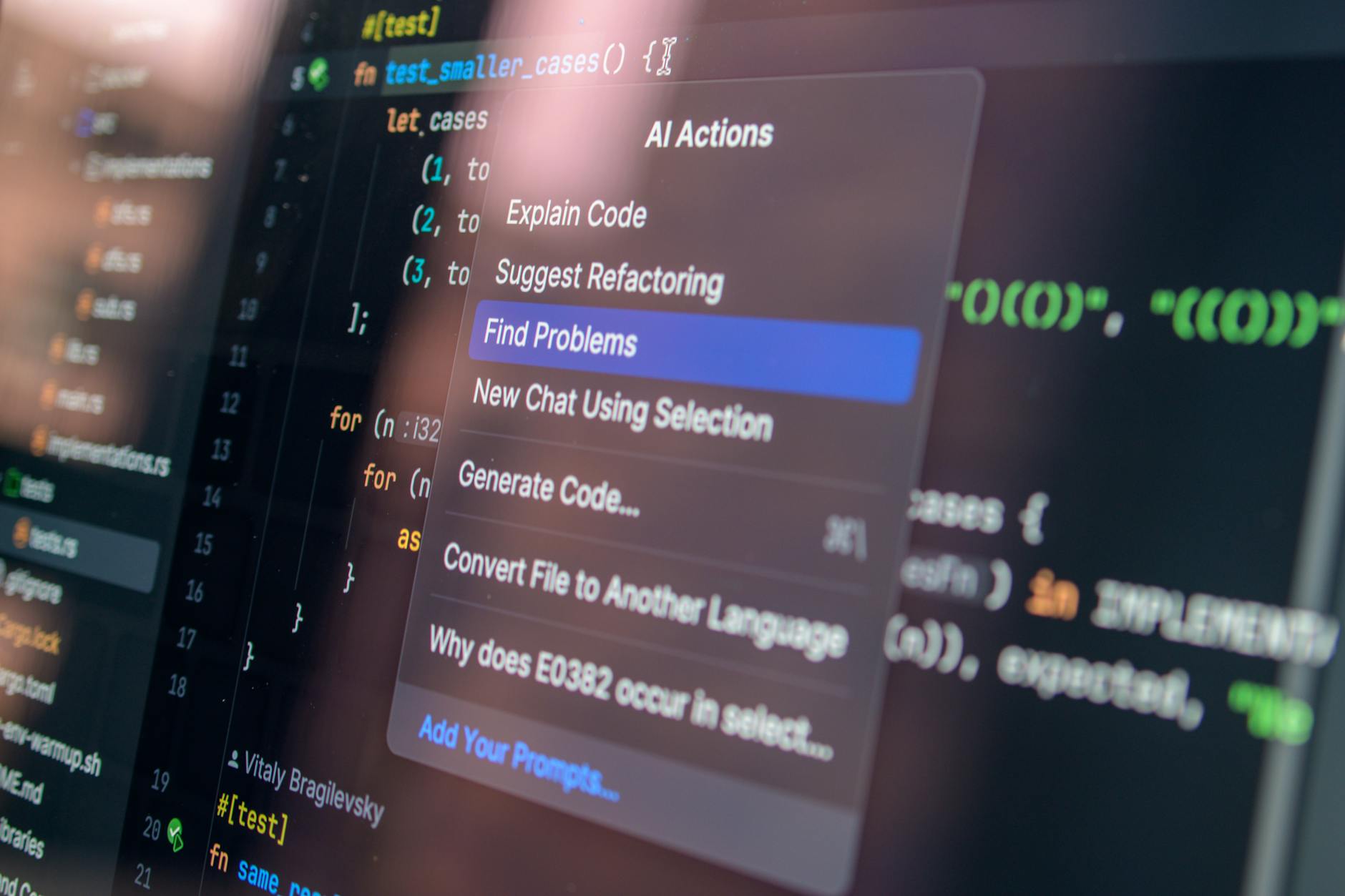
Build reliable AI agents and automation workflows that scale. Step-by-step for developers, technical builders, and automation engineers.
Byline: Copy&Prompt TEAM · Published September 2024 · Updated October 2024
Quick answer: To design AI agents and automation workflows effectively, follow these core steps: (1) define agent goals and tools, (2) structure prompts and state, (3) integrate tools via APIs, (4) implement feedback loops, (5) test and iterate. Use frameworks like LangChain or n8n for orchestration.
Designing AI agents and robust automation workflows is one of the most impactful skills a technical builder can develop today. As organizations adopt agentic AI systems for tasks ranging from customer support to supply chain logistics, the need for well-structured, maintainable, and scalable agent architectures has become critical.
Unlike static prompt-response interactions with models like GPT-4 or Claude, AI agents operate dynamically—making decisions, calling tools, and adapting to changing inputs. When combined with automation platforms such as n8n or custom LLM workflows, they form powerful AI automation pipelines that can execute complex, multi-step processes autonomously.
This guide compares different approaches—ranging from lightweight scripting to full-stack infrastructure—and provides actionable techniques for building production-grade AI agents and automation workflows.
Prerequisites
- Tools: Python or JavaScript environment, access to OpenAI/Anthropic API keys, an automation platform (e.g., n8n, Zapier).
- Skills: Basic programming, familiarity with REST APIs, understanding of prompt engineering principles.
- Cost Estimate: Free tier available on most platforms; $20–$100/month for high-volume usage depending on token consumption and compute needs.
Step 1: Define the Agent's Goal and Available Tools
The foundation of any successful AI agent lies in clearly defining its objective and scope. Is your agent responsible for scheduling meetings? Analyzing financial reports? Managing customer inquiries?
Equally important is identifying which tools the agent can use—APIs, scripts, plugins, or external services. This definition shapes the entire architecture of your automation workflow.
Choose between reactive behavior (responding only to explicit input) and proactive behavior (initiating actions based on context). For example:
- Reactive: “Reply to this email using data from our CRM.”
- Proactive: “Monitor social feeds and alert sales whenever mentions hit X volume.”
- Tip: Start with a narrow, solvable problem before scaling.
- Pitfall to avoid: Overloading agents with too many goals early on leads to unpredictable behavior. Keep the initial scope focused.
- Prompt design becomes significantly more nuanced when building agentic AI systems. Your agent must interpret ambiguous instructions, make decisions, and maintain internal state across turns.
- Use a layered approach:
- System Prompt: Sets the agent's personality, role, constraints, and overall behavior (e.g., “You are a meticulous researcher…”).
- User Prompt: Contains dynamic information relevant to current execution.
- Memory Layer: Stores past interactions and learned preferences for continuity.
- For example, a research assistant agent might have:
- Role: Research Analyst
- Goal: Gather insights from academic papers and summarize findings
- Tools: ArXiv API, Google Scholar scraper, Summarizer LLM
- Constraints:
- - Only return summaries under 200 words per paper
- - Highlight limitations mentioned in each study
- Output Format:
- {
- "paper_title": "",
- "summary": "",
- "limitations": [],
- "next_steps": []
- }
- Tip: Leverage chain-of-thought prompting to help agents reason step-by-step through complex logic.
- Pitfall: Failing to constrain outputs results in inconsistent formats and downstream integration errors.
- Agents thrive when they can interact with the world. This requires seamless AI integrations into existing workflows and external systems.
- Common patterns include:
- Calling REST APIs directly within agent loops.
- Using plugin architectures like LangChain Toolkits or OpenAI Functions.
- Leverage automation platforms like n8n for visual workflow design and event-driven triggers.
- For instance, imagine an agent managing inventory updates:
- Trigger: New order received via webhook →
- Action: Agent fetches stock levels via internal DB API →
- Logic: If low stock, generate reorder request →
- Output: Send confirmation back via Slack bot.
- Tip: Pre-validate API inputs and handle rate limits gracefully to prevent interruptions in long-running tasks.
- Pitfall: Not handling timeouts or partial failures causes cascading breakdowns in LLM workflows.
- Real-world AI agents need to improve over time. Introduce mechanisms for feedback collection and learning:
- Human-in-the-loop (HITL): Allow users to correct mistakes and provide labels for retraining.
- Short-term memory: Track recent context relevant to the task.
- Long-term memory: Persist key learnings across sessions using vector databases like Pinecone or ChromaDB.
- Example: An agent writing marketing copy could log which versions generated higher click-through rates and adjust future drafts accordingly.
- Tip: Use embeddings to semantically store historical examples and retrieve them during new tasks for better grounding.
- Pitfall: Without feedback, even smart agents stagnate—and risk becoming liabilities over time.
- Testing AI agents differs from traditional software testing due to their probabilistic nature. You’ll want to measure both functional correctness and performance metrics.
- Key evaluation criteria:
- Accuracy: % of times the agent achieves desired outcomes.
- Efficiency: Number of tool calls, latency per task, total cost.
- Robustness: Ability to recover from edge cases or unexpected inputs.
- Example test scenario:
- Input: “Cancel my subscription.”
- Expected Output: Confirmation message sent to user + cancellation logged in database.
- Tip: Automate regression tests using synthetic datasets that simulate edge-case inputs.
- Pitfall: Relying solely on qualitative feedback delays detection of systemic issues.
- When designing AI automation, there’s no one-size-fits-all solution. Here's how lightweight setups stack up against enterprise-grade infrastructure:
- Insight: Begin small with scripts or n8n workflows, then migrate to dedicated infrastructure once complexity grows.
- The success of your automation workflows should be measurable. Define clear KPIs and continuously monitor them:
- Task completion rate above threshold (e.g., 95%) within acceptable timeframes.
- User satisfaction scores from HITL reviews.
- Token usage and cost tracking per session.
- Error frequency logs identifying recurring failure points.
- Set alerts for anomalies and establish dashboards to visualize progress. Tools like Weights & Biases, LangSmith, or Grafana can help track these signals effectively.
- Here are some frequent pitfalls and how to resolve them:
- Prompt Drift: Over extended conversations, the original intent may degrade. Mitigate by re-introducing system prompts periodically or refreshing short-term memory.
- API Errors: Always wrap API calls in retry logic with exponential backoff.
- Inconsistent Outputs: Enforce structured responses using JSON schemas or regex validation.
- Tool Misuse: Log every tool call and audit decisions periodically to identify misuse.
- If issues persist, consider adding a supervisor layer—an LLM that evaluates agent behavior and intervenes when necessary.
- Modular Design: Break large tasks into smaller, composable functions.
- Documentation: Maintain updated runbooks detailing agent flows and failure modes.
- Versioning: Track versions of prompts, models, and code to ensure reproducibility.
- Security: Apply least privilege access to all integrated tools and APIs.
- Ethics: Audit for bias and privacy implications regularly.
- Building effective AI agents and automation workflows demands attention to detail—from prompt structuring to observability.
- As you mature your system, focus on:
- Introducing version control for agent configurations.
- Laying groundwork for A/B testing different prompt strategies.
- Embedding security and compliance checks early.
- With the right foundation, your agent ecosystem won’t just function—it’ll evolve, adapt, and deliver tangible value over time.
- Enhance your AI agent development process with Copy&Prompt, where you can optimize, store, and share prompts seamlessly across models like GPT, Claude, and Gemini.
- While basic agents may be possible with no-code tools like n8n, advanced capabilities require programming knowledge. Starting with low-code platforms helps bridge that gap safely.
- A chatbot typically responds to prompts statically, whereas an AI agent reasons, acts, and learns dynamically using tools and memory layers.
- Improve your AI results today - Create better prompts and get more accurate responses with Copy&Prompt. Copy&Prompt →
What's the difference between an AI agent and a chatbot?
Can I build an AI agent without coding experience?
Frequently Asked Questions
Conclusion: Scaling Your AI Agent System
Key Strategies and Best Practices
Troubleshooting Common Failures
How to Verify That It’s Working
| Aspect | Lightweight Scripting | Enterprise Infrastructure |
|---|---|---|
| Development Speed | Fast prototyping | Slower, requires planning |
| Scalability | Manual scaling | Auto-scales with load |
| Observability | Limited logging | Full monitoring and tracing |
| Maintenance | High (custom fixes) | Moderate (built-in redundancy) |
| Use Case Fit | Small teams, PoCs | Large-scale deployments |
Comparing Approaches: Lightweight vs Full Infrastructure
Step 5: Test and Iterate Based on Performance Metrics
Step 4: Implement Feedback Loops and Memory

Step 3: Integrate Tools via APIs and Plugins
Step 2: Structure Prompts and Internal State


