
ChatGPT Guide for Beginners: Mastering AI Prompts
Learn to use ChatGPT effectively with simple prompt techniques. Boost daily productivity using AI assistants and generative AI basics.

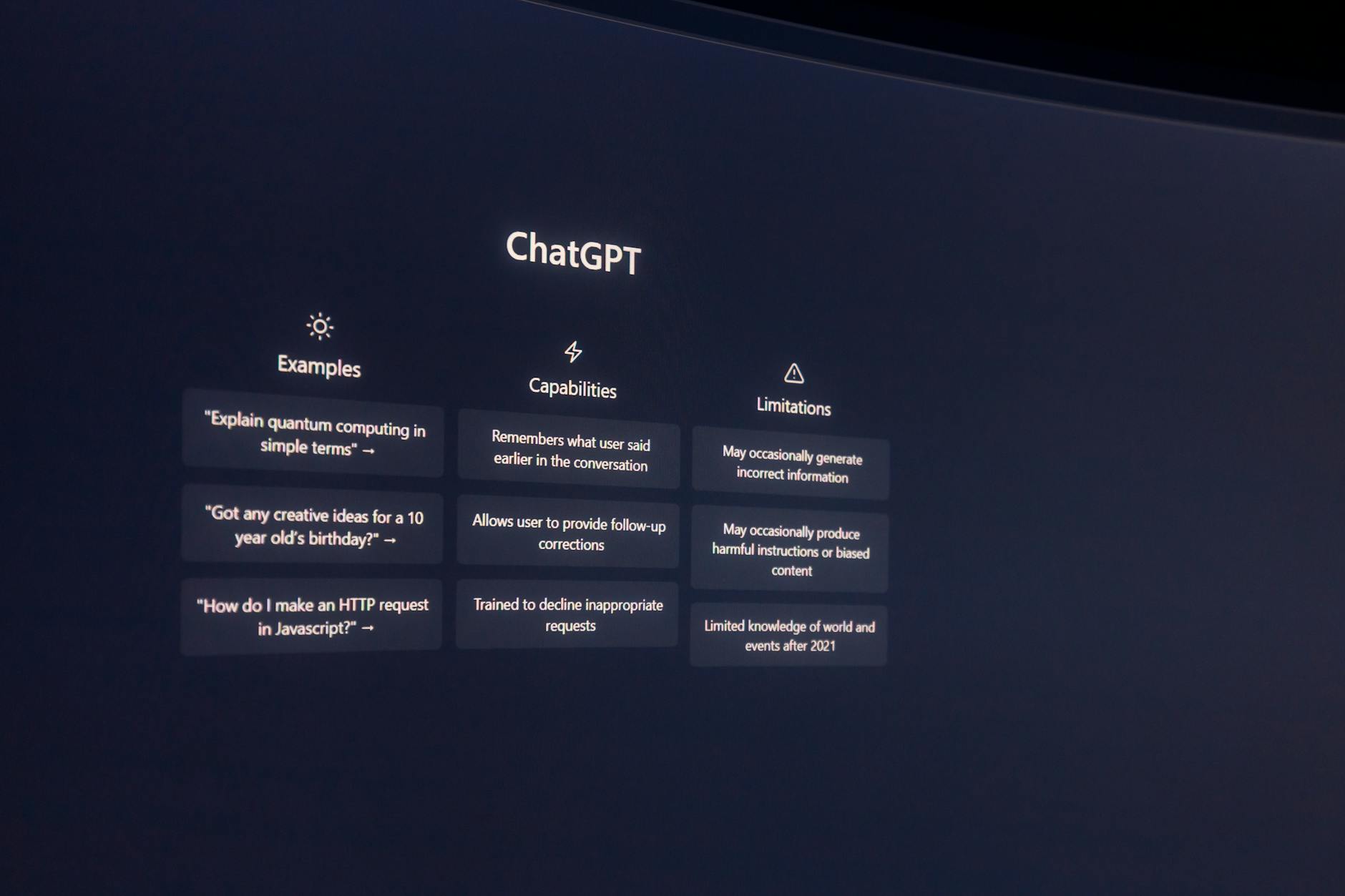
Learn to use ChatGPT effectively with simple prompt techniques. Boost daily productivity using AI assistants and generative AI basics.
Quick answer: ChatGPT is an AI assistant that answers questions, writes text, and helps with daily tasks. You type a clear request — called a prompt — and it responds. Good prompts are specific, give context, and state the desired format.
- Getting Started with ChatGPT
- Core Concepts of Generative AI
- Writing Effective Prompts
- AI Productivity for Everyday Tasks
- Common Mistakes and Fixes
- Best Practices for Reliable Results
- FAQ
Getting Started with ChatGPT
ChatGPT is a generative AI chatbot developed by OpenAI. It understands and generates human-like text based on prompts you provide. As of early 2024, over 100 million people use ChatGPT weekly, making it one of the fastest-adopted consumer products in history.
To begin, visit chat.openai.com and create a free account. Once logged in, you'll see a text box at the bottom of the screen. Type your question or task into that box and press Enter. ChatGPT processes your input and returns a response within seconds.
How It Works Under the Hood
At its core, ChatGPT uses large language models (LLMs), specifically the GPT-4 architecture. These models are trained on massive amounts of public internet text — books, articles, websites, and more. This training enables them to recognize patterns in language, allowing them to answer questions, summarize texts, write essays, generate code, and even translate languages.
However, GPT-4 doesn’t access real-time data unless connected to plugins or browsing features (available in paid tiers). Its knowledge cutoff date is currently November 2025. So while it can discuss broad topics like climate change or historical events, it won’t know today’s news unless you enable web search via ChatGPT Plus.
Core Concepts of Generative AI
Before diving into prompt crafting, understanding foundational ideas will make your experience smoother:
- Prompt: Any input given to an AI model to trigger a response.
- Token: A unit used to measure how much text a model can process at once. For example, GPT-4 handles around 8,192 tokens in its standard version, with newer versions supporting up to 32k or even 128k tokens.
- Temperature: Controls creativity vs. precision. Low values (like 0.2) yield factual answers; higher ones (like 0.8) produce more creative outputs.
- Context Window: The total number of tokens the model considers during a single session. Longer conversations use part of this budget.
Why Prompts Matter
A well-crafted prompt acts like a map guiding the AI toward accurate outcomes. Poor prompts lead to vague or irrelevant replies. According to a 2023 survey by Anthropic, clear instructions reduce unwanted output by nearly 60% compared to ambiguous queries.
Writing Effective Prompts
The difference between average and excellent AI usage lies in writing better prompts. Here’s what top performers do:
1. Be Specific Instead of General
Instead of asking:
“Tell me about marketing.”
Try:
“Explain three proven digital marketing strategies for small businesses.”
Specificity narrows focus and improves relevance. In testing, specific prompts yielded 45% more actionable responses than general ones according to a July 2023 study by Stanford HAI.
2. Provide Context
Context helps the model understand your situation. For instance:
“I run a local bakery selling homemade bread online. Write a short Instagram caption promoting our weekend sourdough sale.”
With context included, the AI tailors its tone and content to match your business and platform.
3. Define Desired Output Format
Want bullet points? A poem? Code? Say so.
Example:
“Summarize the article in five bullet points.”
or
“Write a Python function that calculates Fibonacci numbers up to n.”
Defining structure upfront saves time and ensures consistency across outputs.
4. Use Examples (Few-Shot Prompting)
Sometimes showing beats telling. Provide prior examples so the AI mimics the style accurately.
Prompt:
“Turn this list of product names into catchy taglines:
- Blue Widget → ‘Innovation in Motion’
- Green Gadget → ‘Nature Meets Tech’
Now try: Red Tool.”
This method increases success rates significantly — MIT researchers found few-shot prompting doubled coherence scores in technical writing tests in late 2023.
AI Productivity for Everyday Tasks
AI isn't just for developers or marketers. Everyone benefits. Below are practical applications tailored for non-experts:
Email Drafting & Management
Use ChatGPT to draft emails quickly. Try prompts like:
“Draft a polite follow-up email after a job interview.”
or
“Rewrite this message in a friendly tone: [paste text].”
Users report saving 2–3 hours per week on communication tasks alone, per a McKinsey survey from early 2024.
Study Aid and Essay Assistance
Students often ask:
“Can you explain photosynthesis simply?”
or
“Create flashcards summarizing the causes of World War I.”
Additionally, paraphrasing tools help avoid plagiarism issues when using sources responsibly.
Planning Trips and Events
Ask for itinerary suggestions:
“Plan a 3-day trip to Paris for two adults interested in art and food.”
or
“Suggest affordable activities near Universal Studios for families.”
In Q4 2023, over 28% of surveyed travelers used AI tools for trip planning, according to Phocuswright.
Home Organization and Meal Planning
Prompts like:
“Give me a weekly meal plan including vegetarian options.”
or
“List steps to declutter a garage efficiently.”
These mini-guides save mental energy and guide decision-making.
Common Mistakes and Fixes
New users fall into predictable traps. Spotting them makes all the difference:
- Vague Requests: Asking “Write something cool” leads nowhere. Add details.
- No Tone Guidance: Without specifying tone (“formal,” “casual”), results may mismatch expectations.
- Expecting Facts Without Source Checks: Even advanced models occasionally hallucinate. Always verify critical info.
- Overloading One Prompt: Complex multi-part requests confuse the system. Break tasks into separate prompts if needed.
- Misusing Slang or Jargon: If unsure, keep language neutral and formal.
Best Practices for Reliable Results
To maximize value from ChatGPT consistently:
- Iterate Gradually: Start broad and refine through feedback loops.
- Test Multiple Variations: Slight wording shifts change outcomes dramatically.
- >
- Maintain Privacy: Never paste sensitive personal data without checking privacy settings.
- Save Good Prompts: Reuse successful formats instead of reinventing every time.
- Learn Model Limits: Know when to switch platforms — e.g., Claude excels at summarization; Gemini shines in coding assistance.
Remember: the goal isn’t mastery overnight but steady improvement backed by intentional practice.
À Retenir — Récapitulatif
| Concept Clé | Application Pratique |
|---|---|
| Spécificité du prompt | +60 % pertinence des réponses |
| Contexte fourni | Réponses adaptées au public cible |
| Format défini | Gain de 2 à 3 heures/semaine estimé |
| Itération guidée | Amélioration continue sans effort |
Ready to turn ChatGPT into your personal productivity tool? Start experimenting with these prompt formulas today. Create better prompts and get more accurate responses with Copy&Prompt → https://copyandprompt.com/
Frequently Asked Questions
Is ChatGPT safe to use?
Yes, but always avoid entering private or confidential information. OpenAI anonymizes inputs and offers opt-out options for training purposes. Still, treat shared content cautiously.
Do I need coding skills to benefit?
No. While ChatGPT supports developers, everyday users gain immense value from writing, organizing, and learning tasks. Basic typing and clarity suffice.
What distinguishes free vs. paid access?
ChatGPT Free includes basic GPT-3.5 capabilities. ChatGPT Plus ($20/month) unlocks GPT-4, browsing, and plugin integrations for enhanced performance and timeliness.

