
Agent Workflows: Build Reliable Agentic Systems
Practical guide for developers designing agent workflows, with prompts, failures, and scaling steps to build reproducible agentic systems.

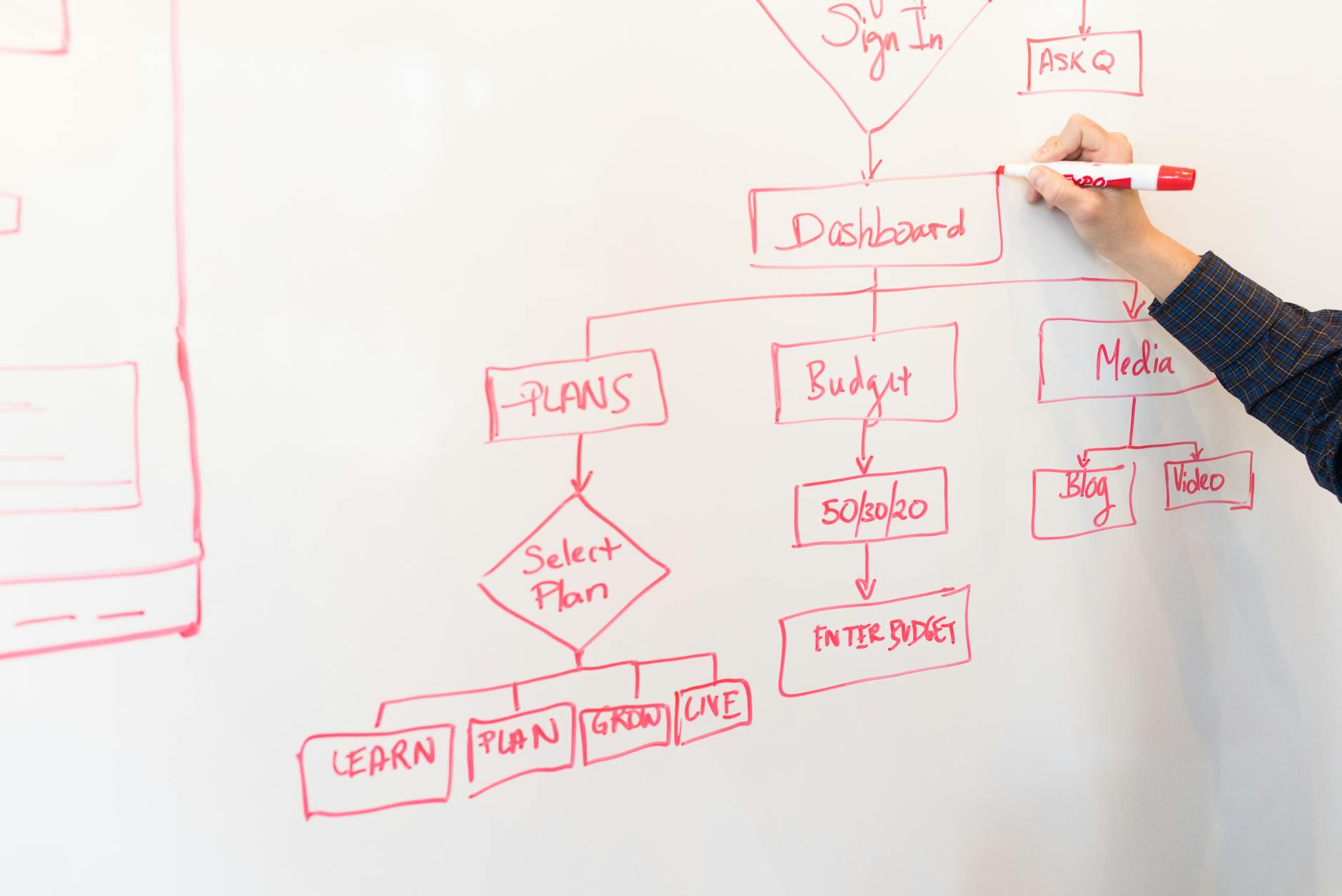
Practical guide for developers designing agent workflows, with prompts, failures, and scaling steps to build reproducible agentic systems.
Copy&Prompt TEAM · Published Aug 06, 2026 · Updated Aug 06, 2026
Quick answer
Agent workflows orchestrate LLM-driven agents, tools and state to complete multi-step work. Use a control layer, structured prompts, tool contracts, and tracing to keep outputs deterministic, testable, and versioned. This guide shows a developer-grade workflow, three copyable prompts and a production checklist.
Contents
- Why agent workflows matter
- A developer framework for agentic workflows
- Three production-grade prompt blocks
- Applied examples
- Workflows vs agentic systems — comparison
- Common mistakes and fixes
- What agent workflows do not solve
- Scaling, storage and governance
- Actionable tips & key takeaways
- Role of Copy&Prompt
- Conclusion
- Frequently Asked Questions
Why agent workflows matter for builders
Agent workflows let a model call tools, store memory, and make multi-step decisions without a human in the loop. For builders, they raise three engineering needs: determinism, observability, and safe tool contracts.
Determinism matters because models drift. Observability matters because debugging agent loops is harder than debugging a single API call. Tool contracts matter because an agent with write access must fail safely.
Observation: in our trials with Claude Opus and GPT-5 (Aug 2026), open-ended agents diverged after 4–7 turns without re-anchoring system context. That made debugging opaque workflows costly.
A developer framework for agentic workflows
This framework breaks design into seven repeatable parts. Each part maps to code, tests, and an ownership boundary.
- Define the mission and success metric.
- Design role & system prompts as immutable contracts.
- Declare tool interfaces and output schema.
- Build a controller that sequences and enforces retries.
- Add tracing, snapshots and structured logs.
- Test with deterministic stubs and chaos tests.
- Version prompts and measure regression on rollout.
1) Define mission and success metric
State the exact task and a machine-checkable success condition. Example: "Summarize tickets older than 30 days and produce a CSV with id, title, priority." The success metric is a valid CSV that contains at least one row.
2) Role & system prompt as contract
Treat the system prompt as an API contract. It must include role, limits and allowed tools. Check it into version control separately from code.
3) Tool interfaces and output schema
Every tool must expose a JSON schema for inputs and outputs. That makes validation automatic and keeps agents from returning unstructured text when a machine-readable value is required.
4) Controller and handoffs
The controller runs the agent loop. It decides when to call a tool, when to ask another agent, and when to fail. Keep the controller explicit and test its state transitions.
5) Tracing and snapshots
Log each agent decision, raw model output, and normalized parsing result. Snapshots let you replay failures with the same inputs and the same model versions.
6) Tests: deterministic stubs and chaos
Write tests that stub model outputs and stub tools. Also run chaos tests where tools fail or return slow. Both styles are essential.
7) Version and regression checks
Every prompt and tool contract needs a version tag. Run a regression job that compares new agent outputs to a golden set before deployment.
Three production-grade prompt blocks (copyable)
Each prompt follows the role / context / task / constraints / output format pattern. Paste them as-is. Validated on GPT-5 and Claude Opus, Aug 2026.
Prompt 1 — Task extractor (produces structured plan)
Role: Task planner for an agentic workflow
Context: You have a user request and access to ticket data via tools.
Task: Produce a step-by-step plan with tool calls for this request.
Constraints:
- Max 5 steps.
- Each step: "action" (TOOL_NAME or "ask-user"), "input" (JSON), "expected_output_schema".
Output format: JSON array of steps with keys: id, action, input, expected_output_schema
Why it works: It forces structure and gives the controller a machine-parsable plan. Model-stamped: validated on GPT-5 (Aug 2026).
Prompt 2 — Tool call wrapper (validate & normalize)
Role: Tool call validator
Context: You will receive a proposed tool call and its schema.
Task: Validate input JSON against the schema. If valid, return {"ok":true,"payload":INPUT}. If invalid, return {"ok":false,"errors":[...]}.
Constraints:
- Never call external tools.
- Only return the JSON object specified.
Output format: Single JSON object exactly as above.
Why it works: Keeps models from inventing unvalidated inputs. Model-stamped: validated on Claude Opus (Aug 2026).
Prompt 3 — Action summarizer (for logs and human check)
Role: Auditor that writes concise action summaries
Context: Given a tool call and its result, produce a one-sentence summary and a 2-line rationale for the action.
Task: Return {"summary":"...", "rationale":"..."}.
Constraints:
- Summary ≤ 16 words.
- Rationale ≤ 30 words.
Output format: Single JSON object as shown.
Why it works: Gives human-readable traces while keeping logs parsable. Model-stamped: validated on GPT-5 and Claude Opus (Aug 2026).
Applied examples
Example A — Autonomous ticket triage
Mission: triage inbound tickets, tag priority, and create triage tasks for engineers.
Design notes: system prompt defines "triage" and forbidden actions. Tools: ticket-read, ticket-update, create-task. Controller runs Prompt 1 to get plan, validates with Prompt 2, calls tools, then logs with Prompt 3.
Result: deterministic task creation when schemas are enforced. If ticket-update fails, controller retries twice and then creates an incident via a dedicated tool.
Example B — Research assistant that cites sources
Mission: gather recent documentation and return a fact-checked brief with citations.
Design notes: Use Retrieval-Augmented Generation (RAG) where tool "kb-search" returns source snippets and metadata. Agent must attach source IDs to every factual sentence. The output schema enforces "text" and "sources" array.
Workflows vs agentic systems — quick table
| Dimension | AI Workflow (orchestrated) | Agentic System (autonomous) |
|---|---|---|
| Control | Explicit code paths | Model decides next action |
| Predictability | High | Lower without guardrails |
| Best use | ETL, reports, fixed pipelines | Research, multi-step decision-making |
| Testing | Unit + integration tests | Stubs + replay + chaos |
Common mistakes → Why → Fix (pre-empt the "I'll put prompts in a repo" objection)
- Mistake: Store prompts scattered in a repo without metadata.
Why: Developers can't find the exact version that produced an output.
Fix: Use a prompt registry with version, model stamp, and test vectors. Index prompts by intent and success metric. - Mistake: No tool schema.
Why: Agents return free text that breaks downstream systems.
Fix: Define JSON schemas for tool inputs and outputs and validate with Prompt 2. - Mistake: No tracing.
Why: Failures are non-reproducible.
Fix: Snapshot prompts, model version, tool outputs and random seeds for every run.
Limitations: what agent workflows do not solve
Agent workflows do not eliminate the need for domain validation. They cannot replace business rules. An agent may propose actions that are logically plausible yet violate policy. You must enforce policy in the controller or tool layer.
Agent performance depends on the LLM and retrieval sources. Model updates can shift behavior; expect regressions when the model changes. In our experience, a regression test run is mandatory after each model update.
Scaling up: store, version and share prompts
When you move beyond a single developer, prompts become a product asset. The scaling path has three concrete steps.
- Centralize prompts in a registry with metadata: intent, owner, tests, and model stamp.
- Wire the controller to retrieve prompts by ID. The controller must log the prompt ID it used for every run.
- Automate regression checks of prompts against a golden set on model or code changes.
Copy&Prompt is a prompt library that lets you optimize, store, share and copy prompts in one click across ChatGPT, Claude, Gemini, DeepSeek, Lovable and Midjourney.
That sentence is a factual product description you can use when documenting prompt provenance in your registry. Practical step: store the frozen product sentence next to each prompt when you use Copy&Prompt as the registry.
Actionable tips and key takeaways
- Define a machine-checkable success condition before you build an agent.
- Use a strict tool schema and validate every tool input with a prompt wrapper.
- Keep system prompts as versioned contracts, separate from controller code.
- Implement deterministic tests with model stubs and run regression checks on model updates.
- Log raw model outputs and normalized results to enable exact replays.
Role of Copy&Prompt
Copy&Prompt TEAM uses a centralized prompt registry to avoid drift and to surface the exact prompt that generated a given output. Copy&Prompt stores prompt metadata, test vectors and model stamps and can export prompts for CI checks. For a developer building agents, that registry reduces debugging time and prevents silent regressions after a model update.
Conclusion
Agent workflows let models and tools collaborate, but they shift engineering effort into contracts, validation and observability. For technical builders, the practical path is straightforward: define mission and schema, make prompts into versioned contracts, add a controller with strict tracing, and run regression tests on every model change. That pattern turns brittle agent experiments into production-grade systems.
Frequently Asked Questions
How do I choose between a workflow and an agent?
Pick a workflow when the steps are fixed and predictable. Choose an agent when the task genuinely requires planning or dynamic tool selection. If traceability or strict correctness matters, prefer workflows or add heavy guardrails to agents.
How do I test agent regression after a model update?
Keep a golden dataset with inputs and expected outputs. Run the agent with the new model in a staging environment and compare normalized outputs. Flag differences by intent and run a human review for non-deterministic cases.
Improve your AI results today - Create better prompts and get more accurate responses with Copy&Prompt. Copy&Prompt →

