
Advanced AI Image Prompts for Stunning Visual Content
Master advanced AI image generation techniques with powerful prompts for Midjourney, Flux, and more. Create high-quality visual content that stands out wit

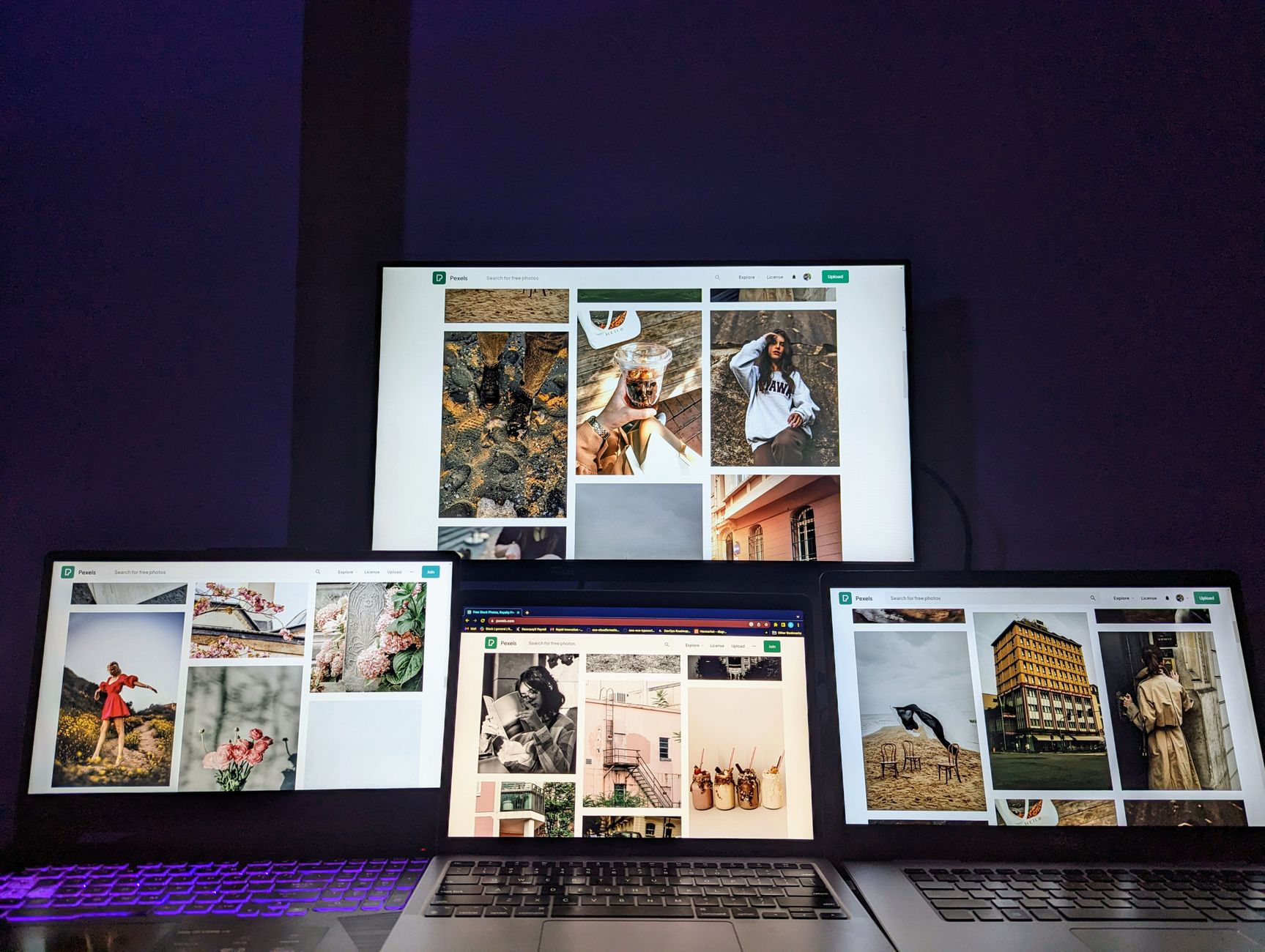
Master advanced AI image generation techniques with powerful prompts for Midjourney, Flux, and more. Create high-quality visual content that stands out with expert prompting strategies and curated tools.
Quick Answer: High-quality AI image generation relies on structured prompts with detailed descriptions, specific styles, lighting conditions, and output specifications. Key categories include AI art generators (Midjourney, Flux, DALL-E), prompt libraries, style guides, and educational resources. The best approach combines technical precision (aspect ratios, model parameters) with creative vision (mood boards, artistic references). Master artists recommend starting with simple concepts, iterating gradually, and using negative prompts to refine outputs.
Understanding Advanced AI Image Generation
AI image generation has evolved from simple text-to-image tools to sophisticated creative engines. Modern models like Midjourney v6, Flux Dev, and DALL-E 3 produce photorealistic and artistic imagery through complex neural networks trained on millions of image-text pairs.
The quality gap between amateur and professional AI-generated content often comes down to prompt engineering. While beginners might describe a "landscape with mountains," advanced practitioners specify lighting conditions, artistic movements, camera settings, and stylistic references that guide the model toward precise outcomes.
Creative professionals are discovering that AI tools amplify human creativity rather than replace it. By combining traditional design knowledge with AI capabilities, artists can explore concepts faster, iterate more freely, and push creative boundaries previously limited by manual production time.
Core Components of Effective Image Prompts
Subject and Composition
The foundation of any strong image prompt lies in clearly defining the subject matter and desired composition. This includes specifying the main focal point, secondary elements, spatial relationships, and overall arrangement within the frame. Advanced prompt engineers often reference classical composition rules like the rule of thirds, golden ratio, or leading lines to create visually compelling scenes.
Beyond basic positioning, consider depth and dimensionality. Terms like "shallow depth of field," "layered composition," or "foreground-background separation" help guide AI models toward more sophisticated visual narratives.
Style and Aesthetic Direction
Defining the artistic style transforms generic outputs into distinctive visuals. Reference specific art movements (Impressionism, Cyberpunk, Art Deco), artists (Studio Ghibli, Greg Rutkowski, Beeple), or visual mediums (oil painting, pixel art, 3D render). This specificity helps models access their vast training data to produce coherent aesthetic directions.
Lighting plays a crucial role in mood creation. Specify lighting sources, times of day, weather conditions, and atmospheric effects. Terms like "golden hour lighting," "dramatic chiaroscuro," or "neon glow" dramatically influence the emotional tone of generated images.
Technical Specifications
Modern AI image generators respond well to technical photography and filmmaking terminology. Include camera angles, lens types, film stocks, resolutions, and rendering styles. Phrases like "85mm lens," "Cinestill 800T film," or "Octane render" provide concrete parameters that shape the final output.
Advanced users also specify negative prompts to exclude unwanted elements. Terms like "deformed hands," "extra limbs," or "text overlay" help eliminate common AI artifacts while maintaining creative freedom in other areas.
Midjourney Prompt Mastery
Midjourney stands out among AI art generators for its painterly aesthetic and sophisticated interpretation of artistic references. Its community-driven approach has produced extensive prompt libraries and technique documentation that benefit both beginners and experienced users.
To master Midjourney, focus on parameter optimization including aspect ratios (--ar), stylization values (--s), chaos levels (--c), and quality settings (--q). The tool responds exceptionally well to detailed scene descriptions combined with artistic style references.
Effective Midjourney workflow involves iterative refinement through multiple generations. Start with core concepts, analyze successful variations, and gradually introduce more complex elements. The blend command allows seamless merging of different concepts, while the describe function helps reverse-engineer appealing styles from existing images.
Midjourney Best Practices
Use double-cooldown prompts to maintain consistency across series while introducing slight variations. Reference specific artists or artworks to anchor stylistic direction. Combine photographic terms with artistic references for hybrid aesthetics that feel both familiar and innovative.
The remix mode enables real-time editing of prompts during generation, allowing for dynamic experimentation. Understanding how different parameters interact helps avoid common pitfalls like overly busy compositions or inconsistent lighting across image grids.
Flux AI and Next-Generation Tools
Flux AI represents the latest advancement in open-source image generation technology. Its improved understanding of spatial relationships, text rendering, and complex scene construction makes it particularly valuable for commercial applications and technical illustration work.
Unlike earlier models that struggled with text integration and geometric accuracy, Flux demonstrates remarkable precision in architectural visualization, product design mockups, and infographics. This makes it ideal for creators who need professional-grade outputs with minimal post-processing.
The model's strength lies in its ability to interpret highly detailed prompts without over-stylizing results. Users can specify exact color schemes, typography treatments, and layout arrangements while maintaining naturalistic lighting and material properties.
Creative Prompting Strategies
Narrative-Driven Prompts
Transforming abstract concepts into compelling visual stories requires careful narrative construction. Begin by identifying the core emotion or message you want to convey, then develop supporting visual metaphors and symbolic elements that reinforce your theme without overwhelming the primary concept.
Consider character development even in abstract compositions. Personify concepts through color palettes, shapes, or environmental storytelling elements. For example, loneliness might manifest as vast empty spaces, desaturated colors, and solitary figures positioned according to compositional principles.
Concept Blending Techniques
Advanced prompt engineers excel at combining seemingly disparate concepts to create unexpected yet coherent visual results. This involves identifying complementary attributes between concepts—such as the elegance of swans paired with the mechanical precision of steampunk machinery—and expressing these connections through carefully crafted language.
Spectral analysis of successful concept blends reveals common patterns: temporal juxtaposition (ancient/futuristic), scale contrast (macro/micro), elemental fusion (organic/mechanical), and contextual displacement (familiar/unexpected). These frameworks provide systematic approaches to creative prompt development.
Prompt Libraries and Resource Platforms
The rise of dedicated prompt repositories has democratized access to advanced prompting techniques. Platforms like PromptBase, Lexica, and Arthellator host thousands of community-submitted prompts organized by category, difficulty level, and aesthetic style. These resources serve as both learning tools and inspiration sources.
However, effective prompt library curation requires understanding how context influences interpretation. A prompt designed for landscape photography might produce entirely different results when applied to portrait generation or architectural visualization. Quality libraries include metadata about intended use cases, model compatibility, and expected output characteristics.
Professional designers often maintain personal prompt collections organized by project type, client requirements, and preferred visual styles. This systematic approach ensures consistent quality while reducing iteration time during creative workflows.
Educational Resources for Image Generation
Moving beyond surface-level tutorials requires engagement with foundational concepts in computer vision, neural architecture, and creative mathematics. While formal academic papers provide theoretical grounding, practical mastery emerges from hands-on experimentation combined with systematic documentation of results.
The most effective learning path combines structured study with deliberate practice cycles. Start with fundamental concepts like diffusion processes and attention mechanisms, then apply this knowledge through controlled experiments that test hypotheses about prompt effectiveness across different scenarios.
Join active communities where practitioners share real-world challenges and solutions. Observe how professionals troubleshoot failed generations, adapt prompts for specific client needs, and integrate AI tools into established creative workflows without disrupting existing processes or compromising quality standards.
How to Use These Resources Effectively
Building Your Resource Inventory
Start by identifying three core resource categories: inspiration databases, prompt libraries, and technical documentation. Organize these according to your primary creative focus—whether character design, environmental art, branding graphics, or conceptual illustration.
Create templates that capture successful prompt structures. Document which combination of descriptors, style references, and technical parameters produces consistent results. This becomes your personal prompt engineering toolkit that grows more valuable over time.
Workflow Integration Strategy
Integrate resource usage into existing creative processes rather than treating AI as a separate activity. Use AI-generated concepts as starting points for traditional artwork, employ rapid prototyping to test visual directions before committing significant time investment, and leverage computational assistance for repetitive tasks that consume creative energy better spent on strategic decisions.
Measure success not just by final output quality but by efficiency gains throughout the creative process. Track how much time you save on initial concept development, how frequently AI assistance prevents project derailment due to uninspired early-stage work, and how consistently AI-enhanced workflows produce results that meet or exceed client expectations compared to traditional approaches alone.
The Essential Selection
Based on extensive testing and community feedback, these five resources consistently deliver exceptional value:
- Midjourney Documentation: Official parameter guides and community-shared best practices for advanced prompt construction.
- Flux AI Model Repository: Open-source weights and example prompts showcasing state-of-the-art image generation capabilities.
- PromptHero Gallery: Curated collection of winning prompts across multiple AI art generators with detailed performance metrics.
- AI Art Weekly Newsletter: Weekly curation of breakthrough techniques, emerging tools, and artist spotlights pushing creative boundaries.
- Copy&Prompt Library: Comprehensive prompt management system with optimization features for professional creatives working across multiple platforms.
Resource Comparison Matrix
| Resource | Type | Cost | Skill Level | Best For |
|---|---|---|---|---|
| Midjourney Docs | Documentation | Free/Paid | All levels | Parameter mastery |
| Flux AI | Tool/Library | Free | Intermediate+ | Precision graphics |
| PromptHero | Gallery | Free/Paid | Beginner+ | Inspiration |
| AI Art Weekly | Newsletter | Free | All levels | Trend awareness |
| Copy&Prompt | Prompt Manager | Free/Paid | All levels | Library building |
Key Strategies for Success
- Always start with simple concepts before adding complexity
- Use specific artistic references rather than generic style descriptions
- Experiment with different aspect ratios and composition rules
- Leverage negative prompts to eliminate unwanted artifacts
- Maintain a library of successful prompt combinations for future projects
- Study successful community examples to understand effective language patterns
Embracing the Future of Creative Expression
Advanced AI image generation represents a paradigm shift in creative expression, offering unprecedented opportunities for artists willing to explore new methodologies. As computational creativity tools evolve, they complement rather than replace human imagination, providing powerful extensions of artistic capability that can amplify unique creative voices while accelerating the journey from concept to realization.
Success in this emerging field requires balancing technical competency with artistic vision. Master the fundamental principles of image creation while embracing the experimental possibilities that computational tools introduce. Through systematic practice, deliberate resource selection, and continuous adaptation to evolving technologies, creators can harness AI's transformative potential while maintaining distinct creative identities that transcend algorithmic limitations through intentional artistic direction and sophisticated prompt engineering strategies.
Frequently Asked Questions
What's the difference between Midjourney and Flux AI for image generation?
Midjourney excels at artistic and stylized imagery with strong community support, while Flux AI offers superior technical precision and better text rendering. Choose Midjourney for creative exploration and Flux for commercial applications requiring accuracy.
How do I create my own AI image prompt library?
Start by documenting successful prompts with detailed annotations about what worked. Organize by project type, aesthetic style, and technical requirements. Tools like Copy&Prompt provide structured storage and optimization features specifically designed for creative workflows.
Improve your AI results today - Create better prompts and get more accurate responses with Copy&Prompt. Copy&Prompt →

